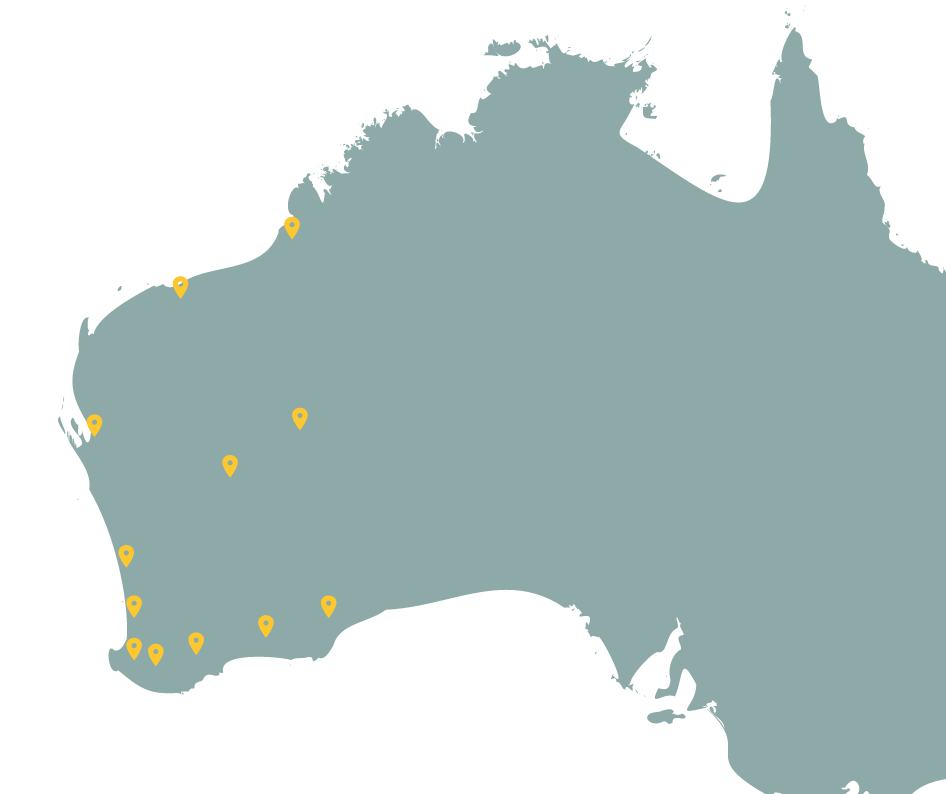
New dataset – Index of Biodiversity Surveys for Assessments (IBSA)
In co-operation with Department of Water and Environmental Regulation (DWER), the BIO team are in the process of adding to Dandjoo, the IBSA data packages where the licensee has granted third parties the right to re-use the information under a CC License. Please ensure that the appropriate entity is referenced in the attribution. See Dandjoo’s Conditions of use.
For more information regarding IBSA, please refer to their website.
IBSA data packages have been structured as Systematic Survey Data (SSD) in Dandjoo. We encourage users to first familiarise themselves to the Dandjoo SSD structure and functionality by referring to our Systematic Survey Data blog post
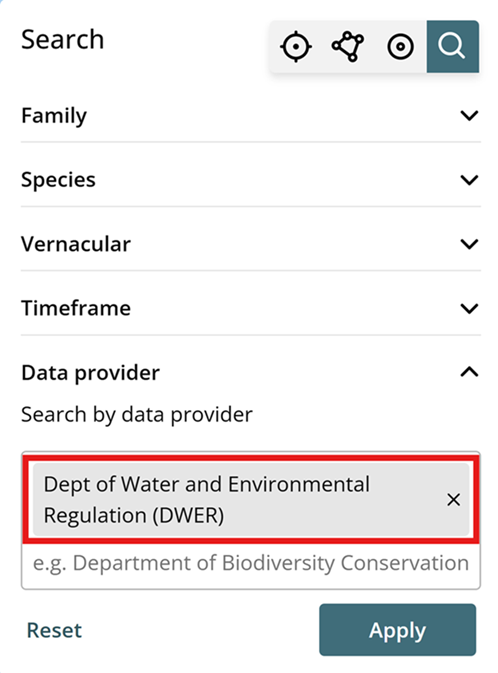
To search for IBSA packages:
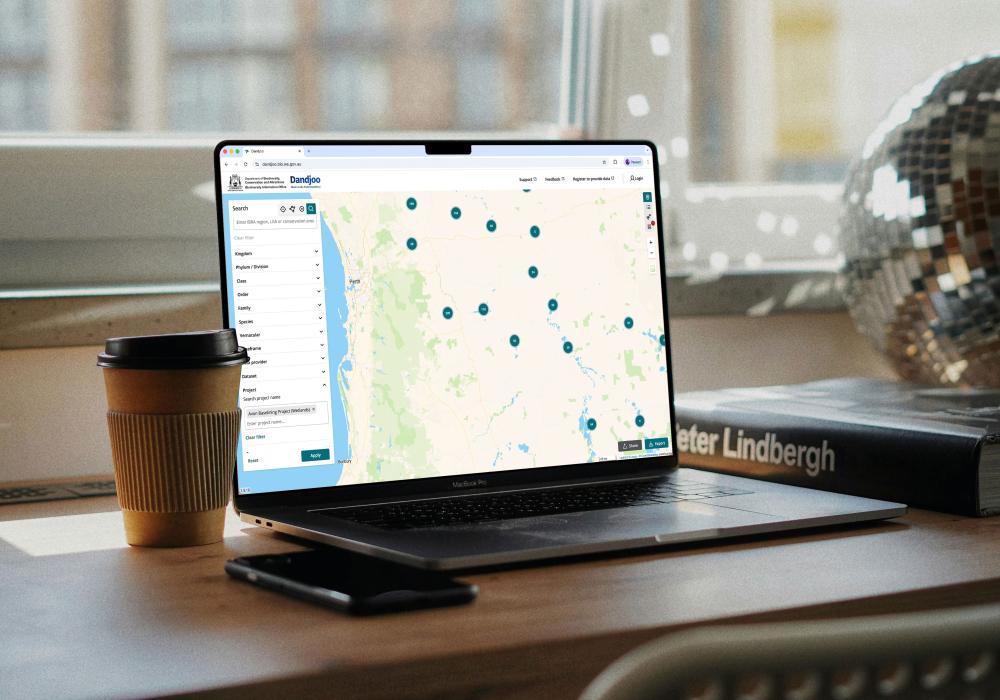
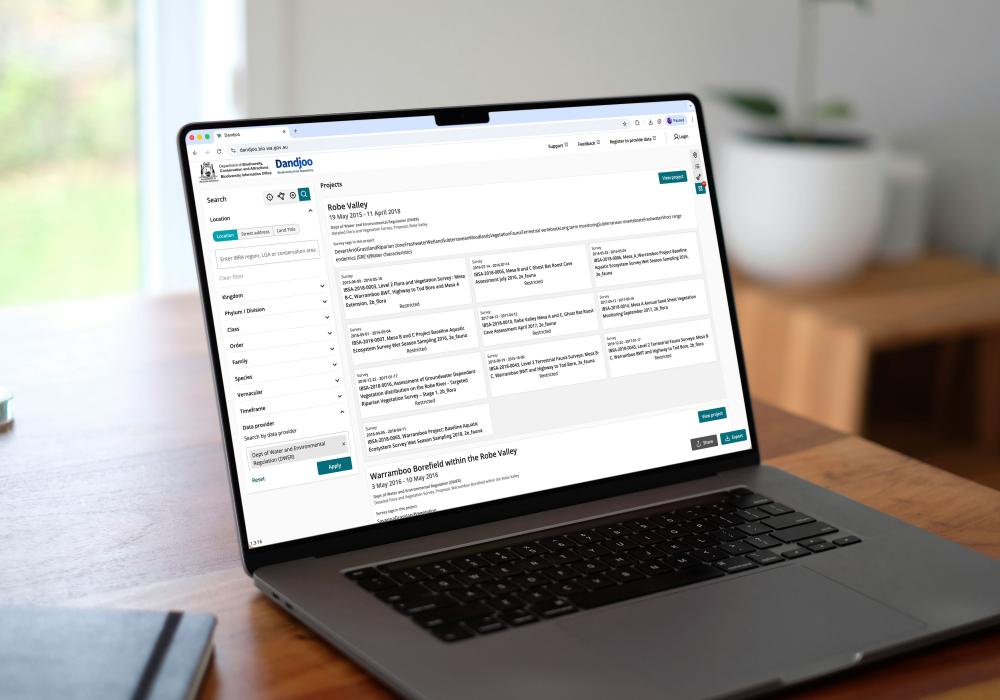
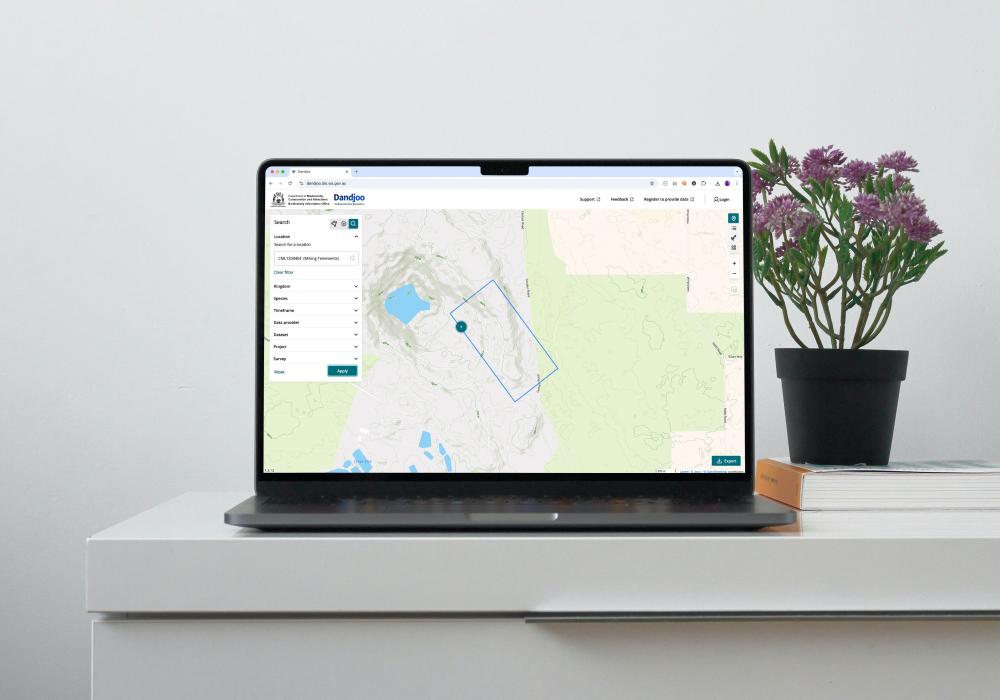
- Use ‘Dept of Water and Environmental Regulation (DWER)’ as a search term in the ‘Data provider’ search field. This will display all the data for DWER and we would recommend that it is used in conjunction with other search criteria such as a polygon/area or time frame search
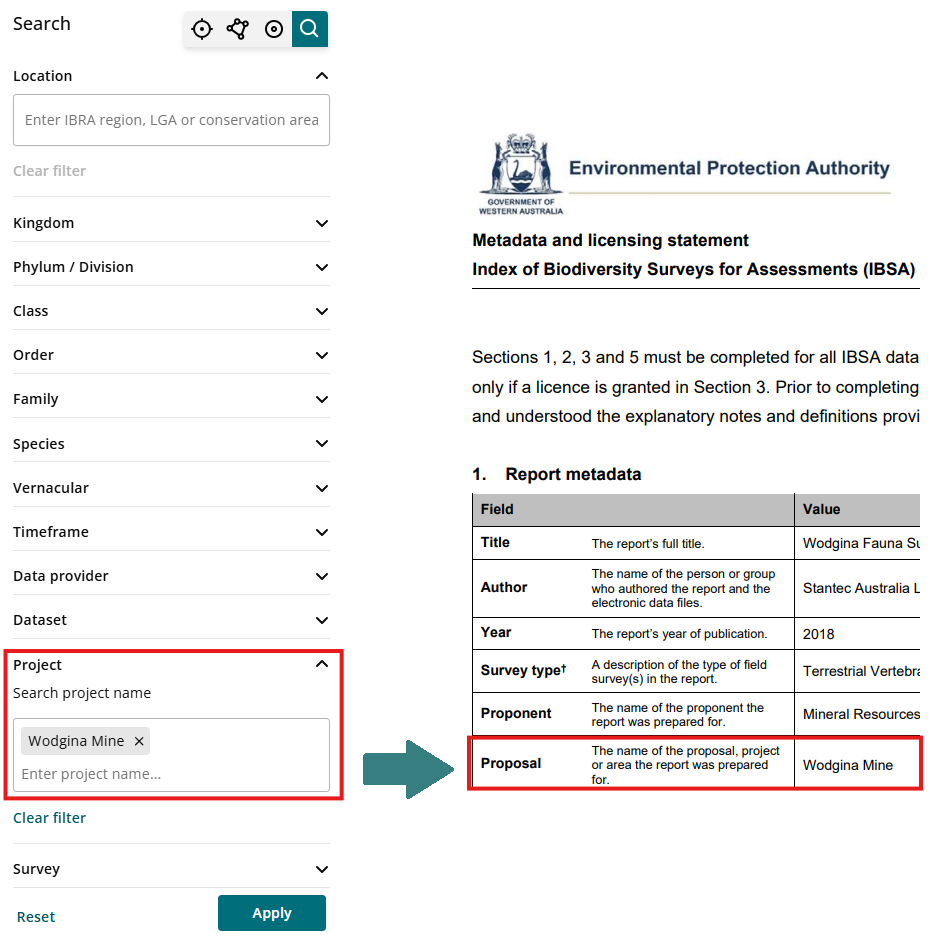
- Use the Project name in the ‘Project’ search field. The Project name is based on the ‘Proposal’ field in IBSA’s Metadata licensing statement (refer to below example with reference to DWER’s example statement). As more IBSA packages are added to Dandjoo, we recommend referring to the Dandjoo’s Project list and referencing ‘Dept of Water and Environmental Regulation (DWER)’ in the Data provider column for an up-to-date listing.
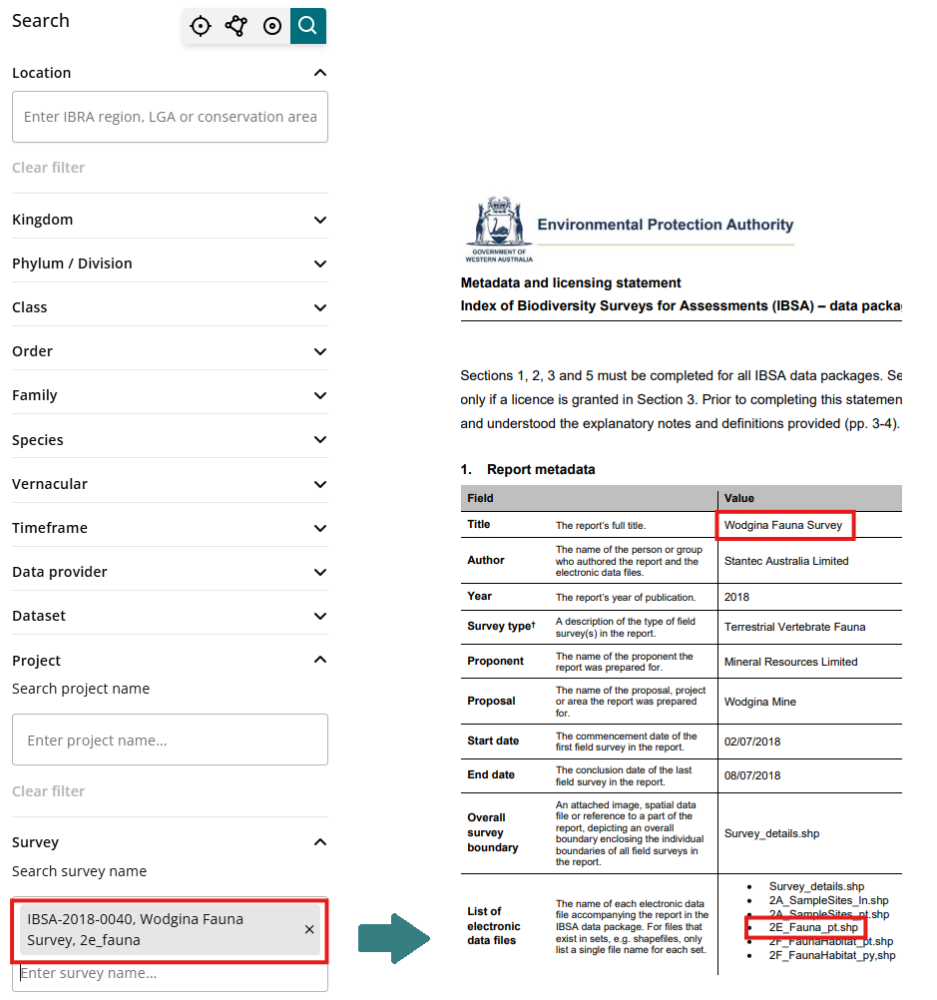
- Use the Survey name in the ‘Survey’ search field.
The Survey name is a combination the following fields from the IBSA data package:
- IBSA number
- Report title in the Metadata licensing statement
- Survey file code of the specific shape file that was extracted into Dandjoo, also within the Metadata licensing statement
What we are working on
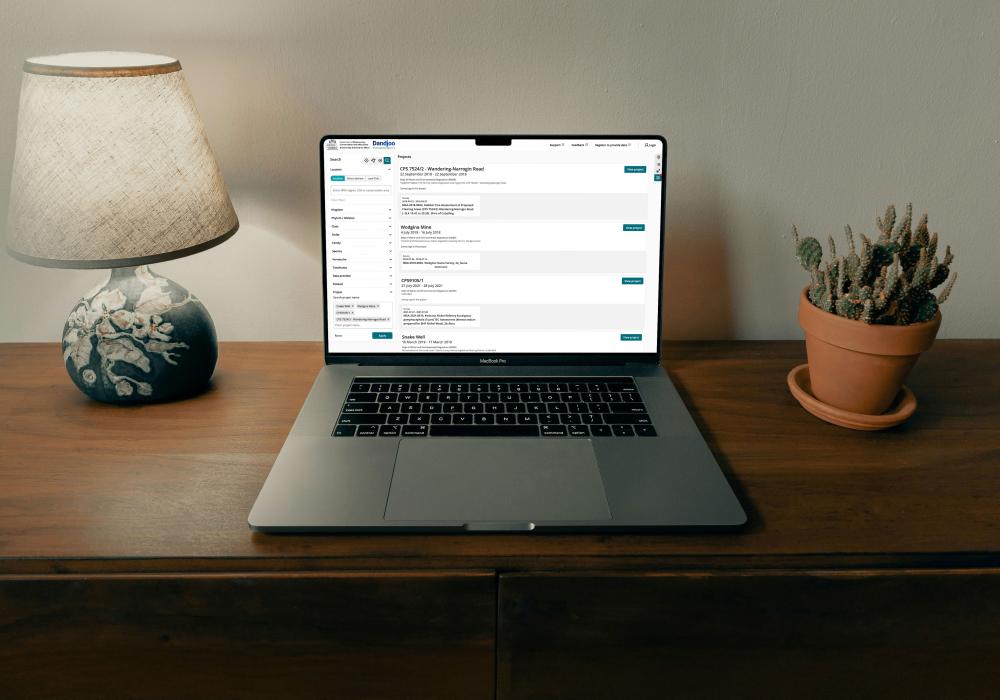
We have added functionality to be able to search, view and download (where available) Systematic Survey Data in the Dandjoo platform.
Join the BIO newsletter and get updated first
Sign up for access to the latest developments at the Biodiversity Information Office, upcoming Dandjoo features, and our newest datasets.